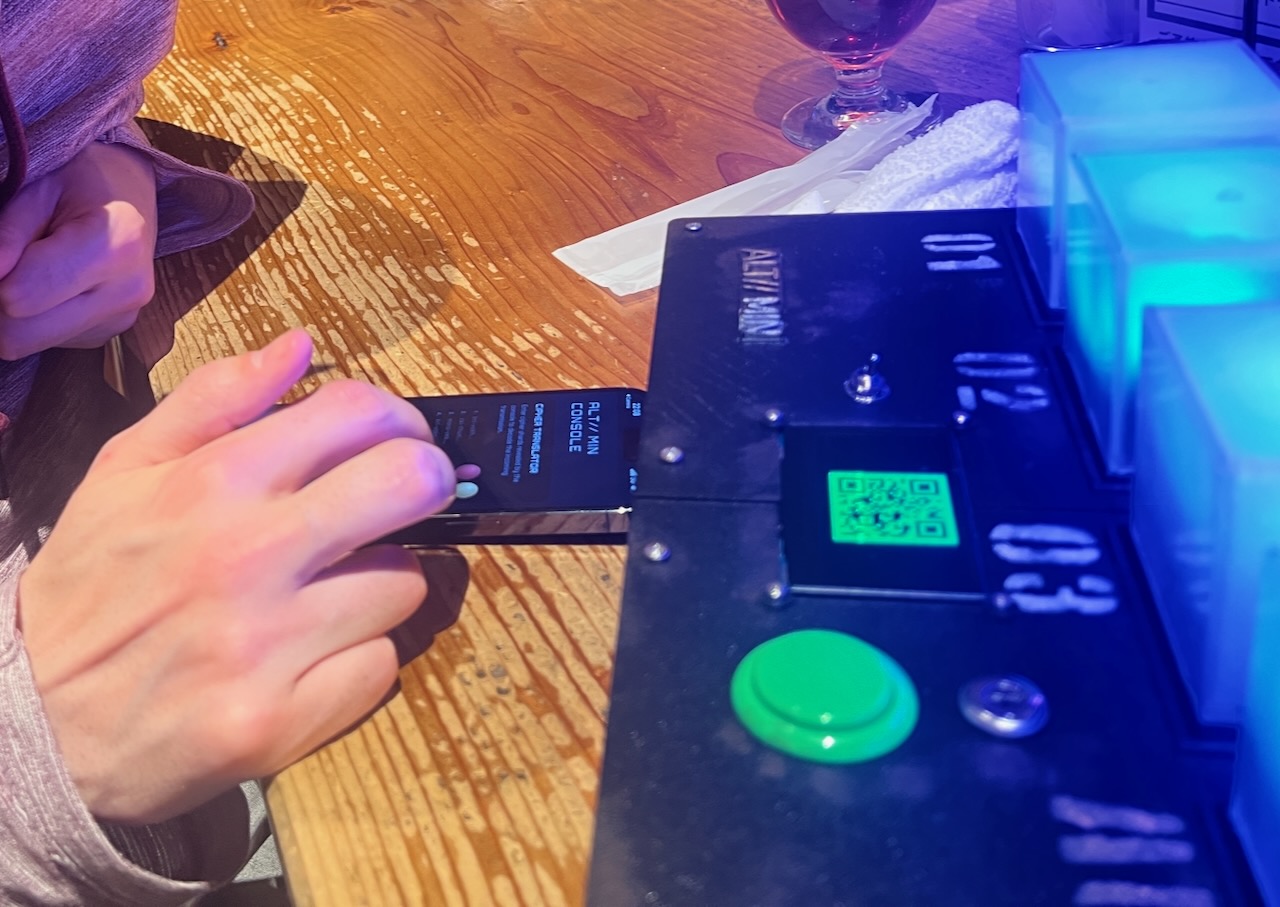
From the beginning, I knew that I wanted to have a core system around placing and moving around cubes which would light up. I liked the challenge of figuring out how, electronically, I could design a circuit whereby the ESP32 could tell which cube was inserted in which socket and felt that a system like that could open up a wide variety of puzzle types.
I’ll go more into how the system works in a later post but here, I’ll dip into a little bit of the design philosophy of the puzzle stages themselves, the different kinds, their ordering and presentation.
Onboarding the Core Interactions
The experience ultimately comes down to two core interactions:
- Moving cubes around to satisfy some kind of requirement.
- Controlling cube states (usually colour) through various means.
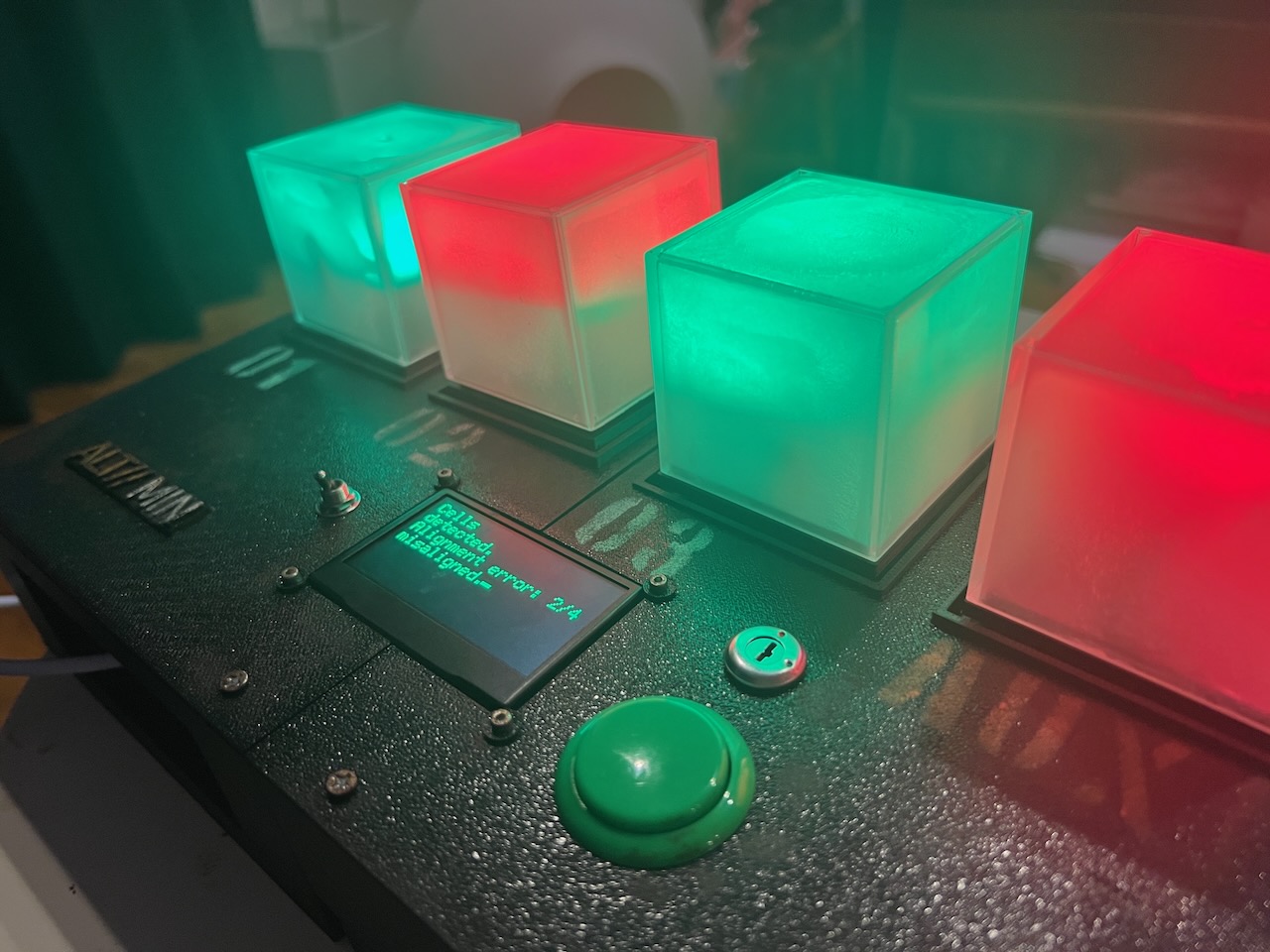
It’s not immediately obvious that positions matter or the cube characteristics can be changed so the player starts by finding the cubes and just inserting them. Immediately three turn red and one turns green and they’re informed “ALIGNMENT ERROR” and they must remove and reorder them. This part isn’t difficult and I don’t consider this the puzzle starting yet. Instead, it’s designed to educate that you can still pick the cubes back up at any point and move them around and that the system often expects them to be in a certain state. They may all look the same but they’re not. They have their own identities and that needs to be understood.
Adding a Secondary Input Method: Phone-Based Interactions
At this point, I had the basis of a system which could:
- Control cube lit states (colours, flashing patterns, fade speeds).
- Detect which of the puzzle’s sockets each individual cubes are inserted.
A simpler puzzle I worked on previously had a neat part where a QR code leading to a website would pop up at one point and the user would solve a short puzzle there which opened up the solution to another puzzle on the actual puzzle.
It worked surprisingly well, and I wanted to expand that idea in a bigger way for ALT//MIN.
The cube identification system already created interesting physical puzzle possibilities, but combining that with a second input channel opened up much richer interactions.
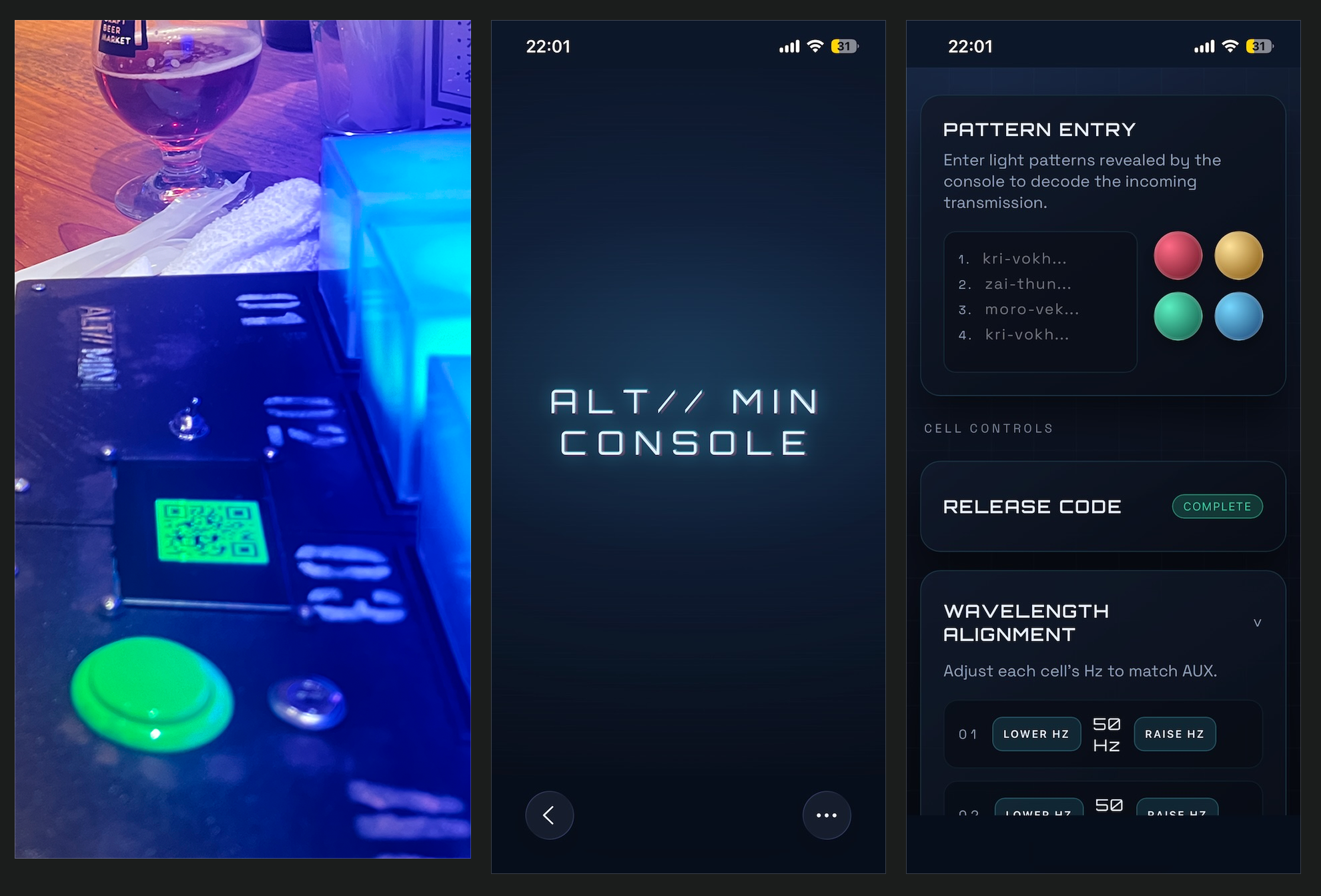
It works, and there’s always a fun reaction when players see the QR code pop up and pull out their phones.
However, this type of system is also kind of a crutch… when you have a place to present text to the player, It’s easy to become too wordy and rely on explicit instructions rather than designing puzzles that can be understood through observation alone. I think the pinnacle of an interesting puzzle is when people figure out the goal and then solution to something purely based on what they can see and notice rather than just reading something then doing it.
Balancing Interaction Types
Early on, the puzzles were mostly ordered according to what made sense in the story I had in mind. However, I learned pretty quickly that there are two problems when you have too many puzzles of one kind in a row:
- The player starts to forget about the other kind of interaction. If they’re spending too many puzzles in a row interacting with the cubes, they can forget about the phone aspect which can lead to them getting stuck when the cubes are trying to prompt them to interact on their phone.
- It gets repetitive. Moving cubes around is cool but doing it for a long time isn’t actually that fun. It also doesn’t really fit thematically. The player moves cubes into a “correct” position but then are immediately told they have to move them again; it feels like “why did I move them before if that wasn’t the correct answer to progress things anyway?”. Similarly, tapping buttons on your phone for too long… you may as well just be playing a phone game.
So the ordering of the puzzles attempts to alternate between the two different input methods. Here’s an overview of the puzzles the player solves and the input method they use for each one:
- cube manipulation Insert cells and reorder
- cube manipulation AUX alignment
- phone interaction First light pattern received, enter into phone
- OLED + console interaction Communication with alien
- phone + console interaction Code requirements
- mechanical interaction Key release and insertion
- phone interaction Second light pattern received, enter into phone
- console interaction Match cells to green (timing challenge)
- console + cube interaction “Track and find green” shell game
- cube manipulation Maths puzzle
- phone interaction Third light pattern received
- phone + observation “Wavelength alignment”
- console interactions Final unlock sequence
So yes, there’s a few points where the user does two tasks of the same time in a row but I feel things are mixed up enough to maintain the back and forth.
Overall, the goal was to create a flow where the player is constantly shifting how they interact with the system without ever being explicitly told what to do, and I think the current structure mostly achieves that.