Let’s have a look at what the full experience of playing through ALT// MIN looks like.
Warning: Full spoilers for the entire puzzle here! If you’re planning on playing it some time, please skip this section!
Step 1 - Start Up the Console and Insert Cubes
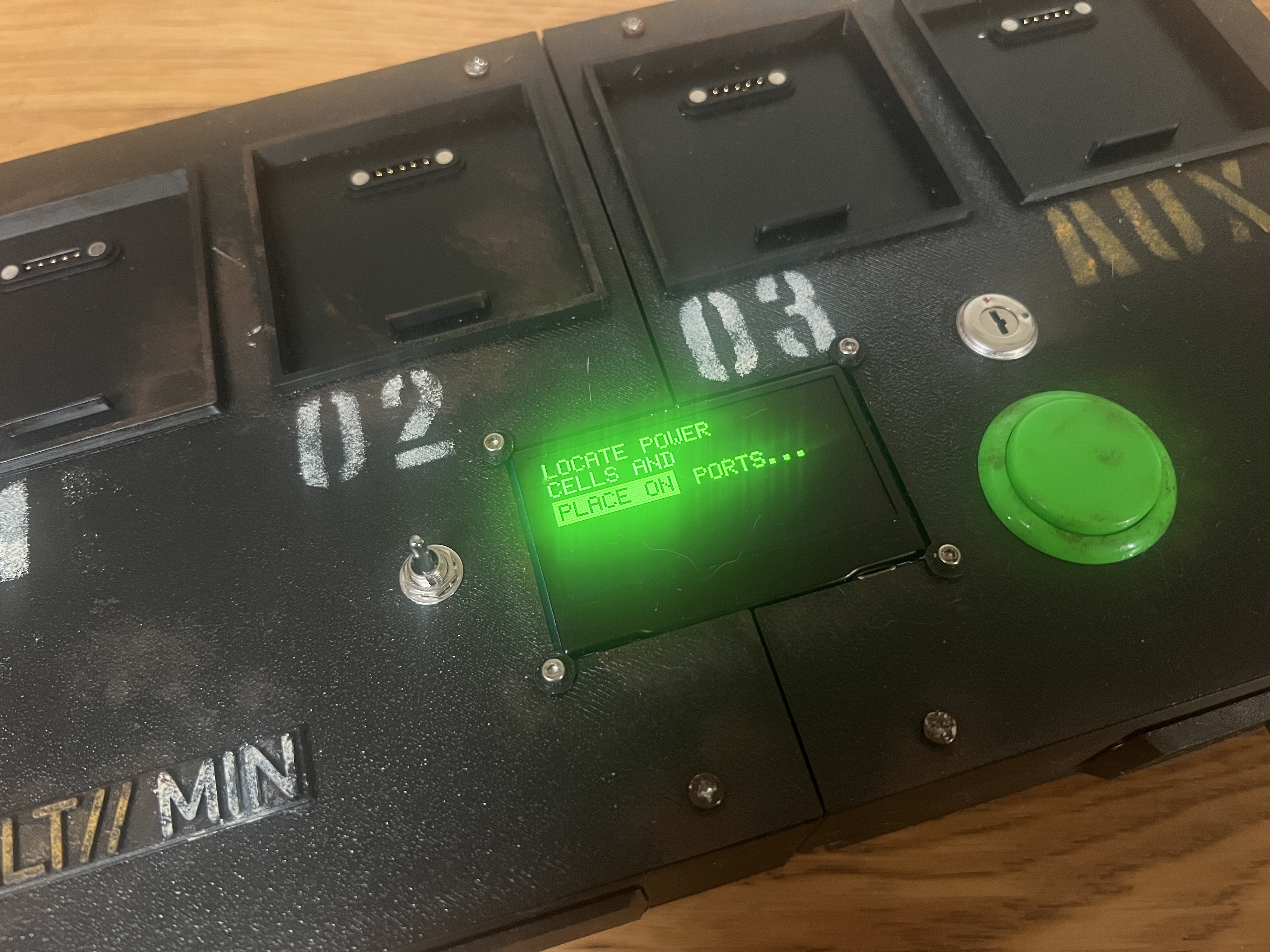
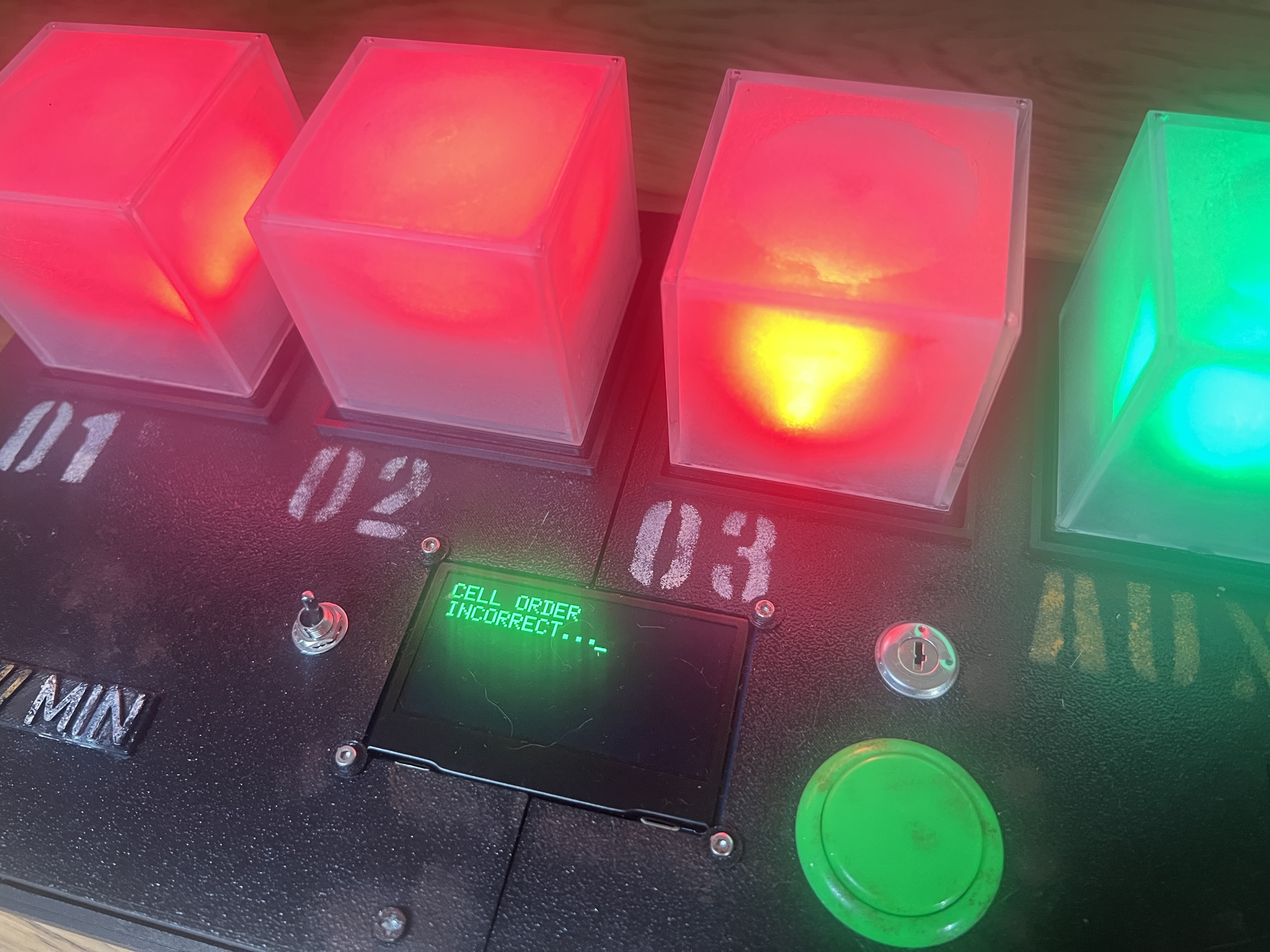
The player inserts the cubes and the console shows three to be in the wrong position. The player reorganises them to continues.
Step 2 - Align With AUX
The AUX cube starts cycling through red, green and blue. The player must reorganise cubes 1-3 to match that order.
Step 3 - The First Pattern Arrives
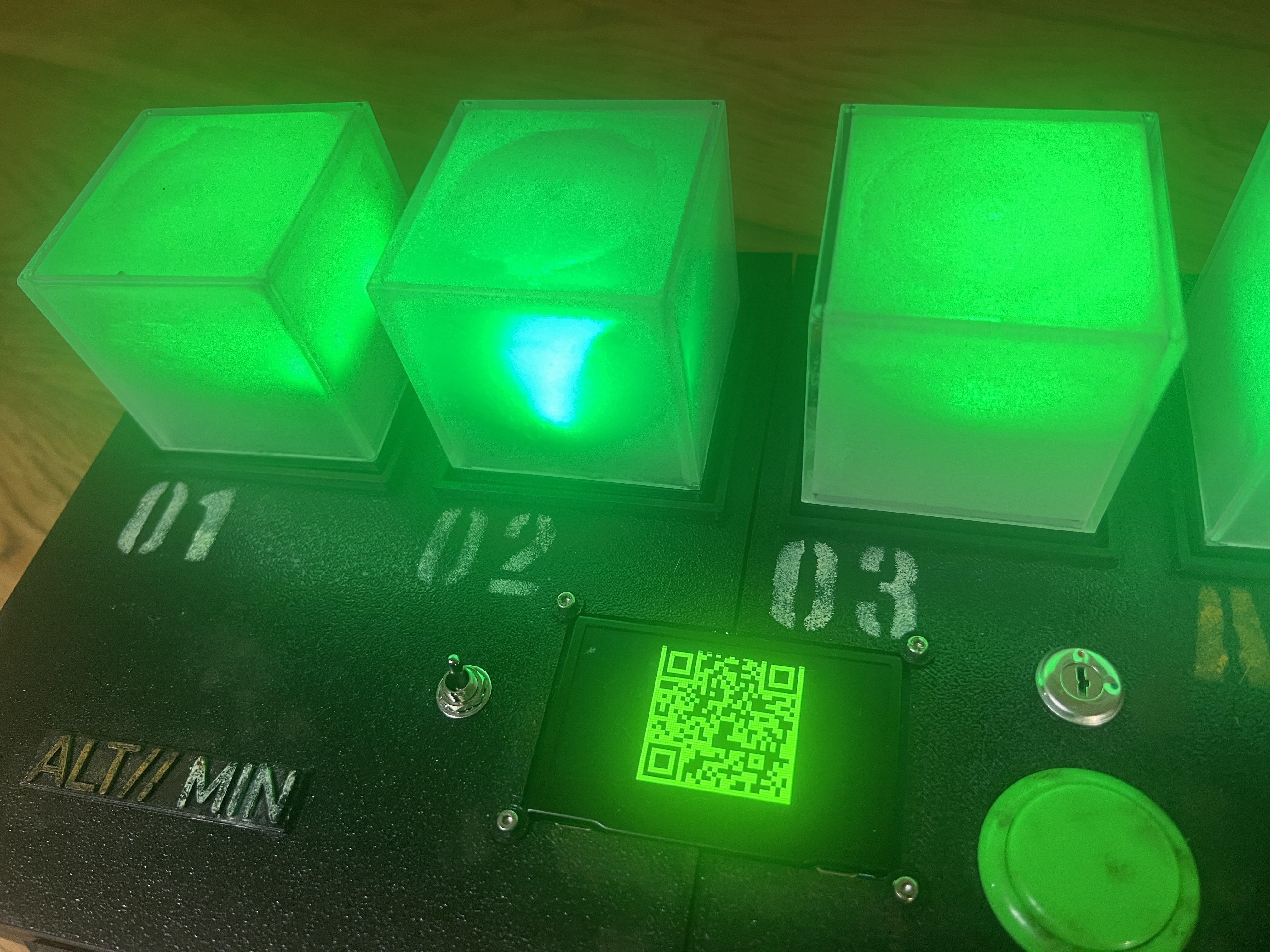
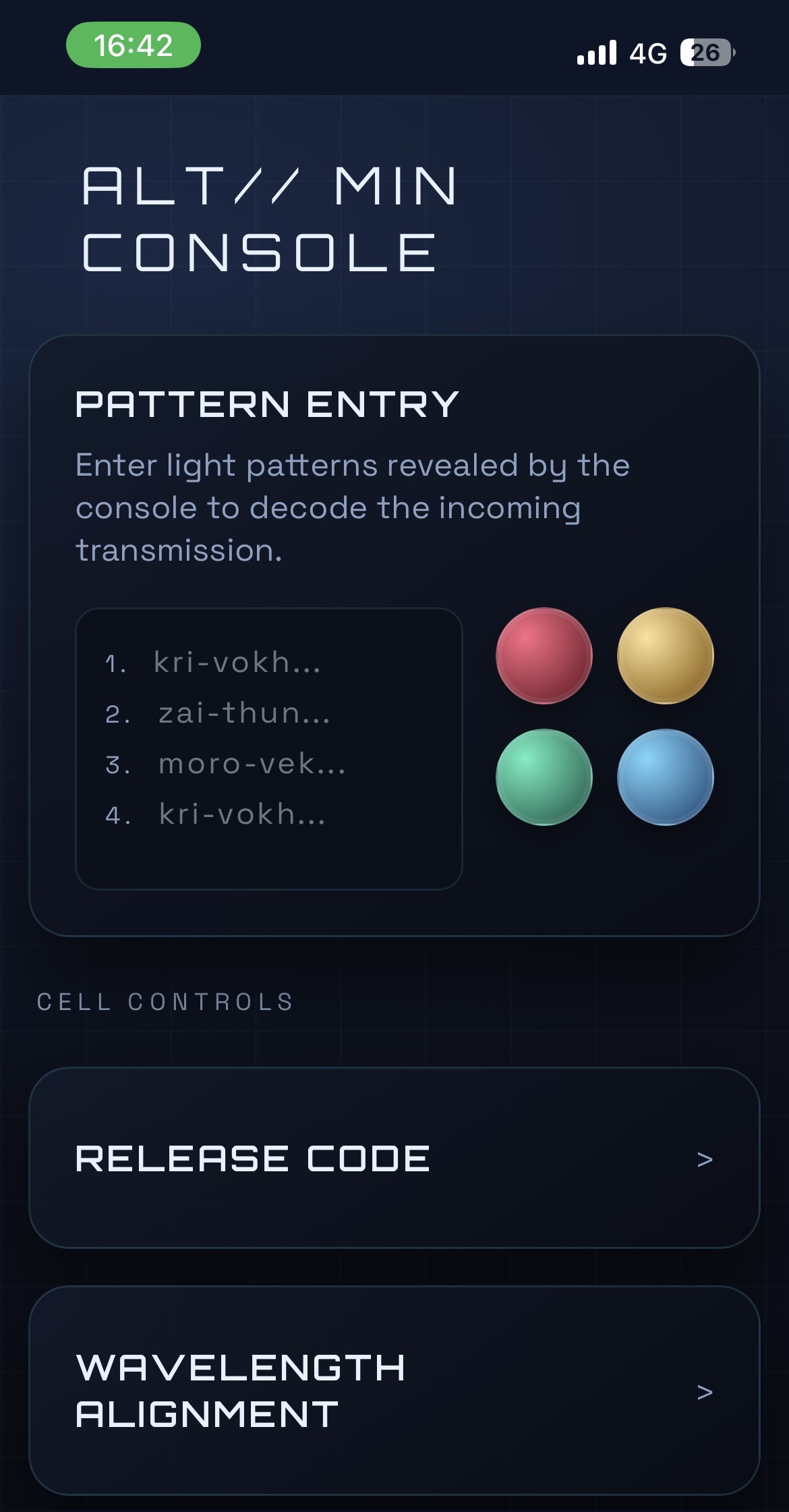
A mysterious flashing pattern presents on the display along with a QR code. The user scans the QR code with their phone and enters the flashing pattern in the “Pattern Entry” section.
Step 4 - Alien Response
Step 5 - Code Requirements
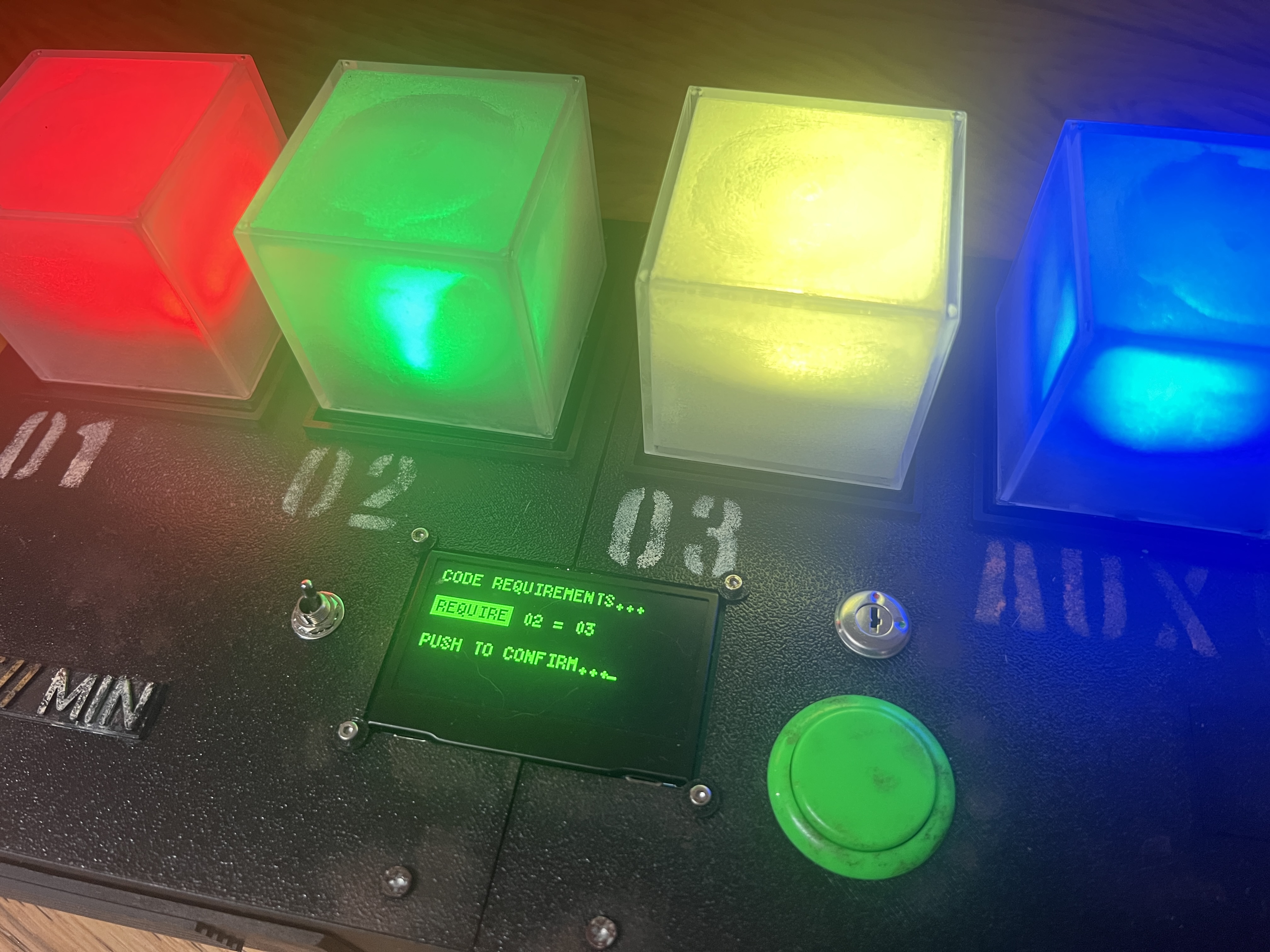
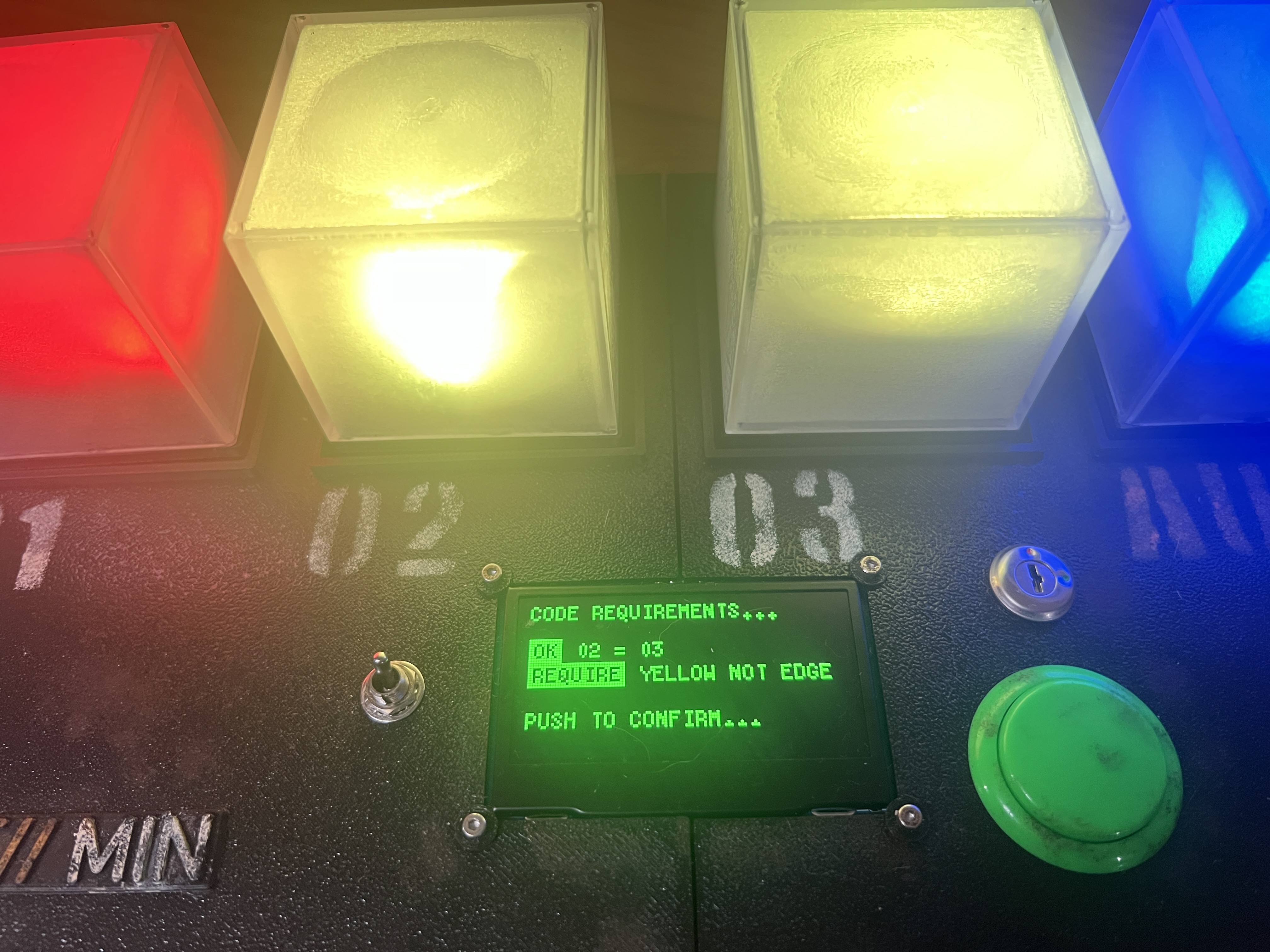
The user must select a four colour code on their phone. Afterwards, the console asks them to update their code to satisfy a growing amount of constraints. The inspiration for this puzzle was choosing passwords for website signups where you learn of more and more constraints (special characters required, both low and uppercase characters etc).
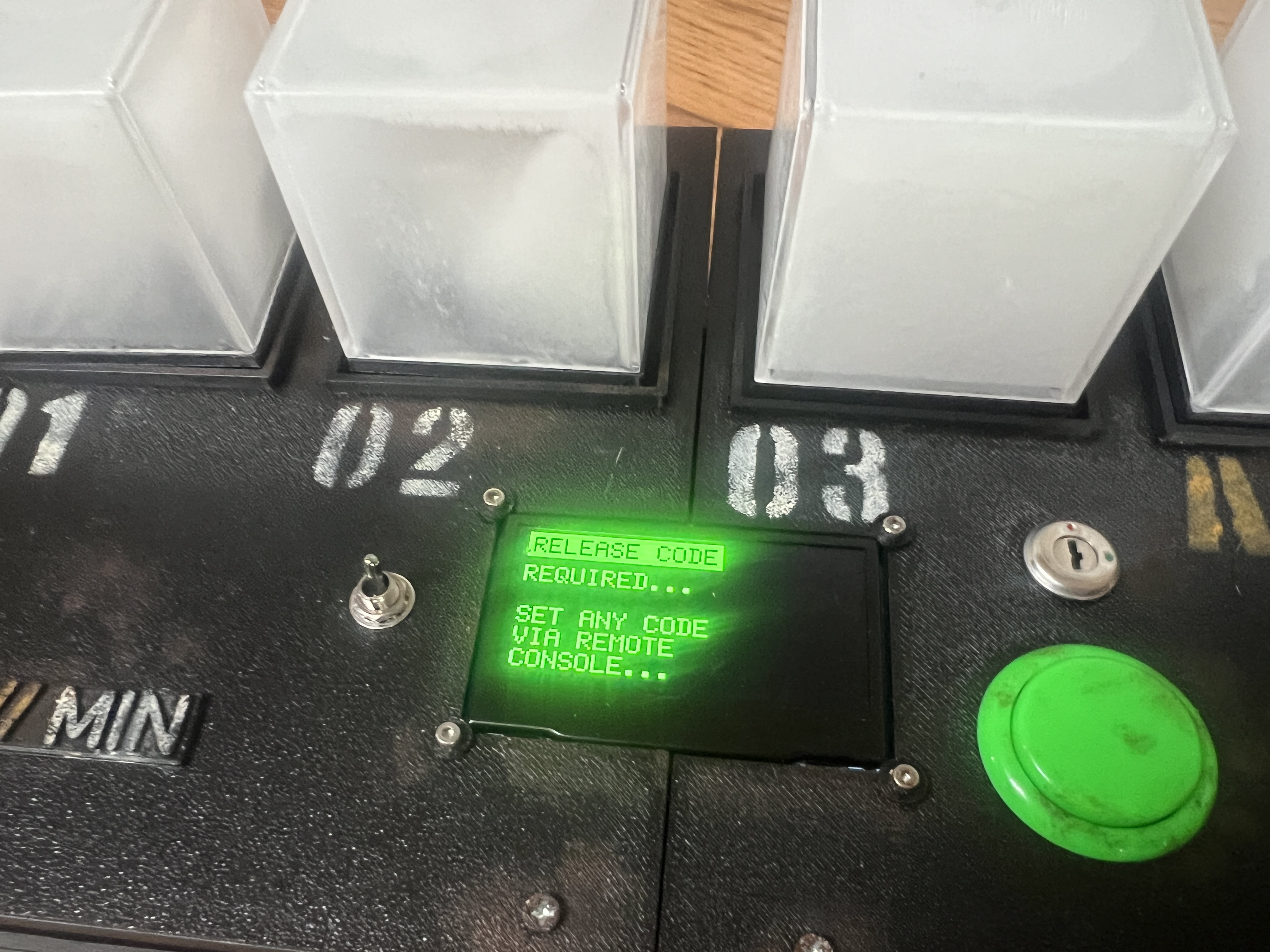
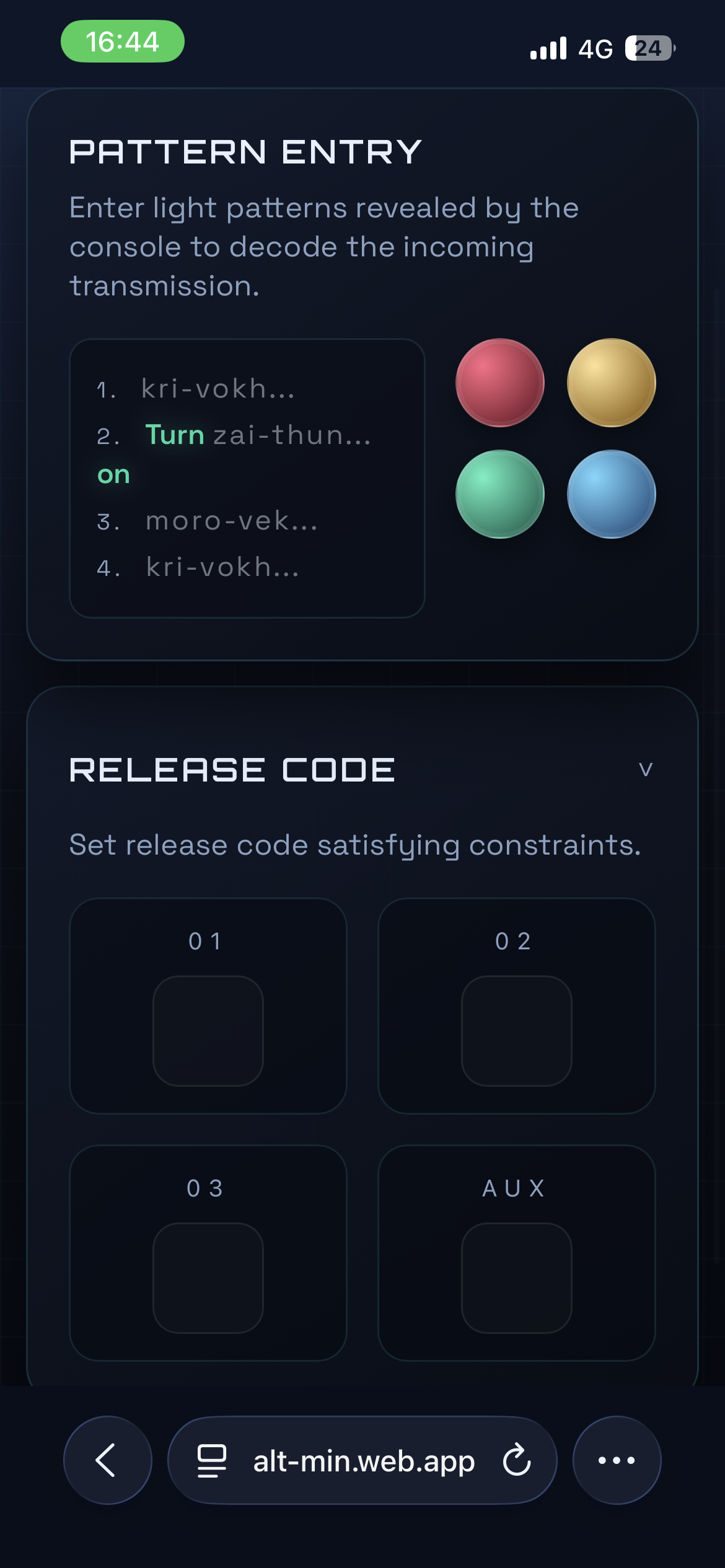
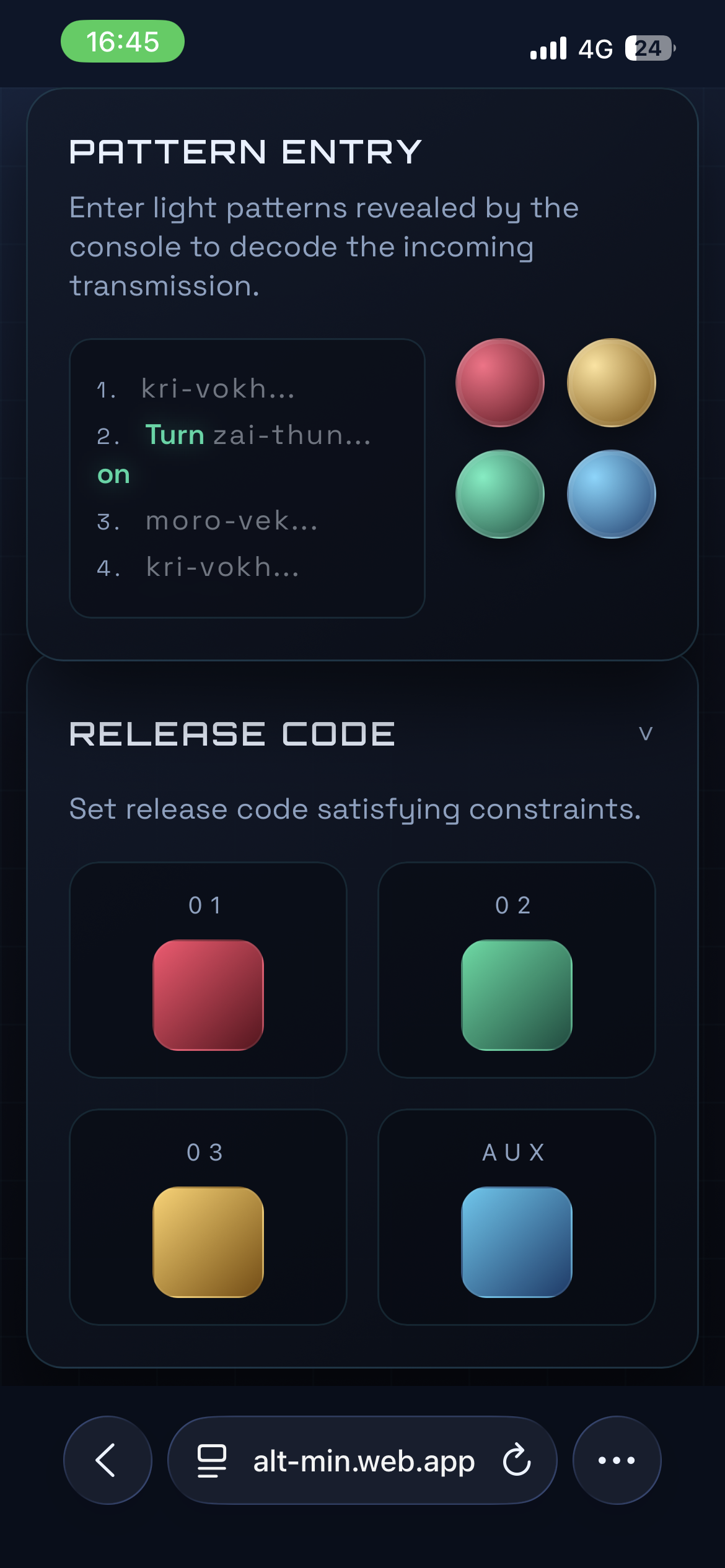
In this playthrough, the player needs to update their code firstly where cube 2 is the same as cube 3. And then, yellow must exist but not be in positions 1 or AUX.
Step 6 - Key Release
A section of the console moves to reveal a key. The player removes it and inserts it into the console and turns it. The console appears to increase in power but then a power failure occurs and the player must switch the console back off.
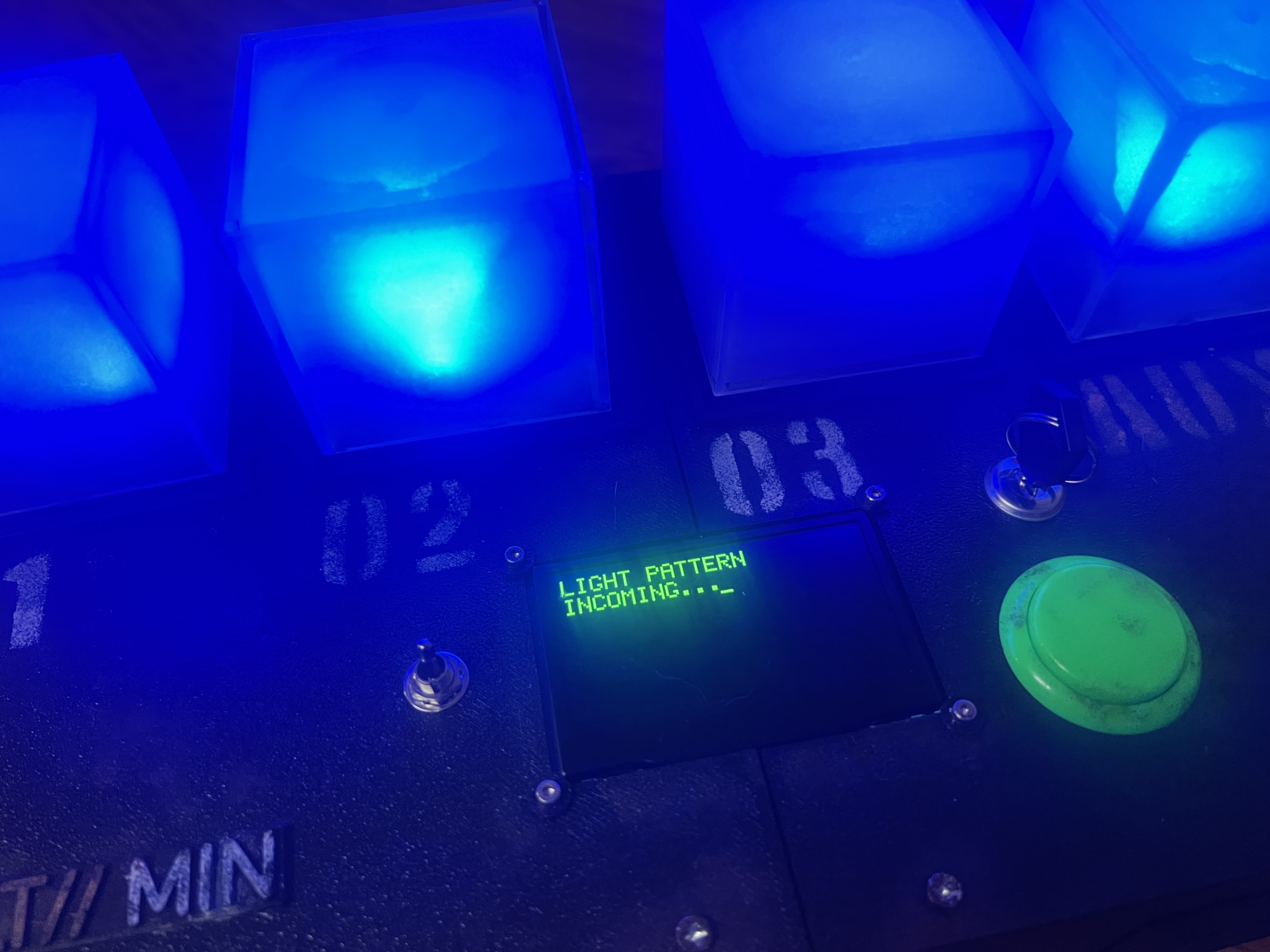
Step 7 - Pattern 2 Arrives
The next four colour pattern begins flashing and the player enters it on their phone. Another chunk of the encrypted message at the top is decoded.
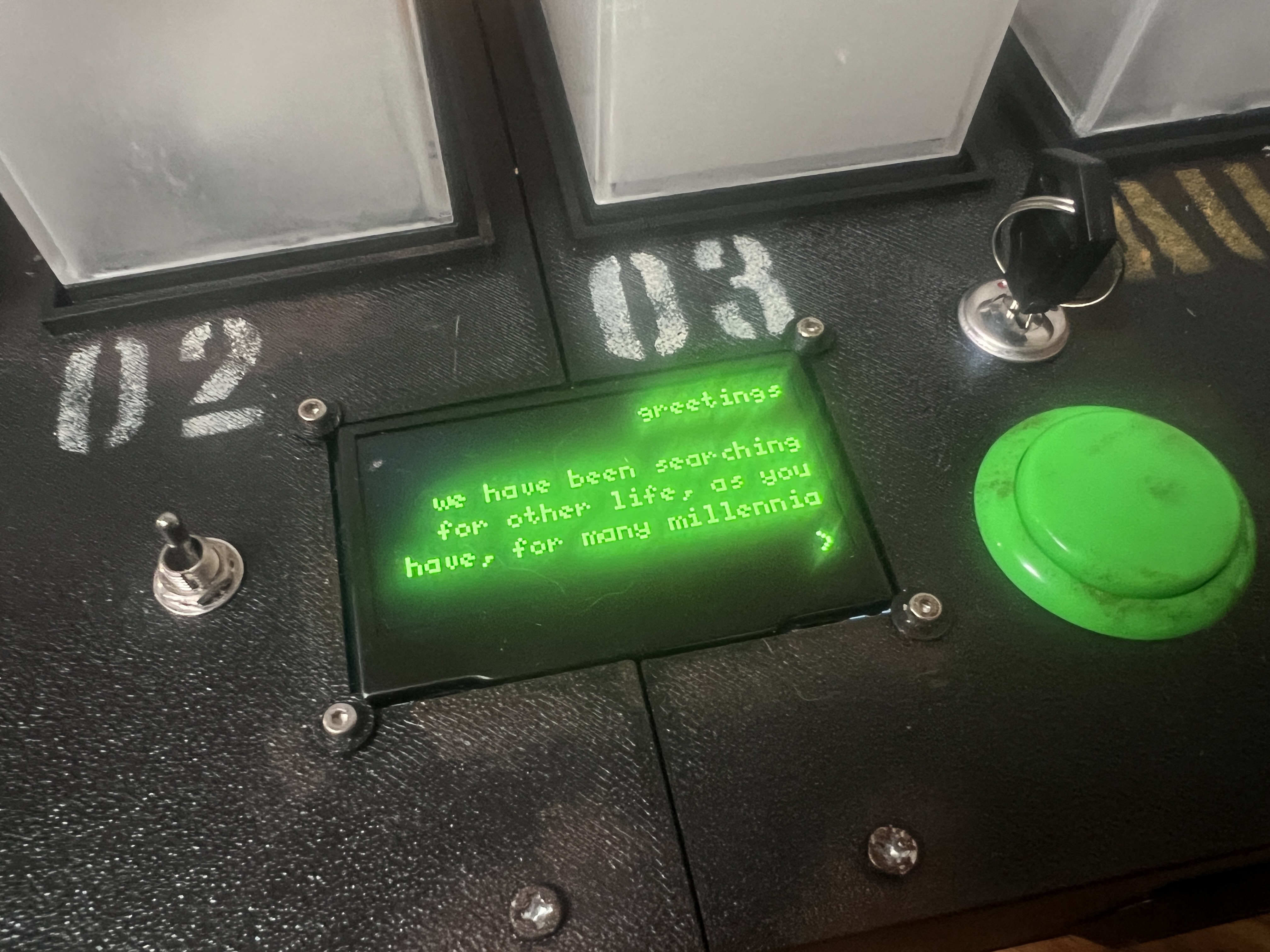
Step 8 - More Messages From the Aliens Arrive
Step 9 - Timing Puzzle
One by one, the cubes flash through all four colours. The player presses the green button to stop each one whilst it is lit green.
Step 10 - “Shell Game” Tracking
The player follows the cubes as green randomly moves between each one. After it rests, the player must remove that cube. This needs to be performed three times and the patterns gradually speed up each time.
Step 11 - AUX Maths Puzzle
Each cube starts flashing a different amount of times. Cube one flashes 3 times, cube two flashes once, cube three flashes twice and AUX flashes 5 times.
The screen shows 01 x 02 - 03 = AUX and the player must reorganise the cubes so their flash counts satisfy the formula.
Step 12 - Pattern 3 Arrives
More of the final message is decoded after the user enters the next colour pattern.
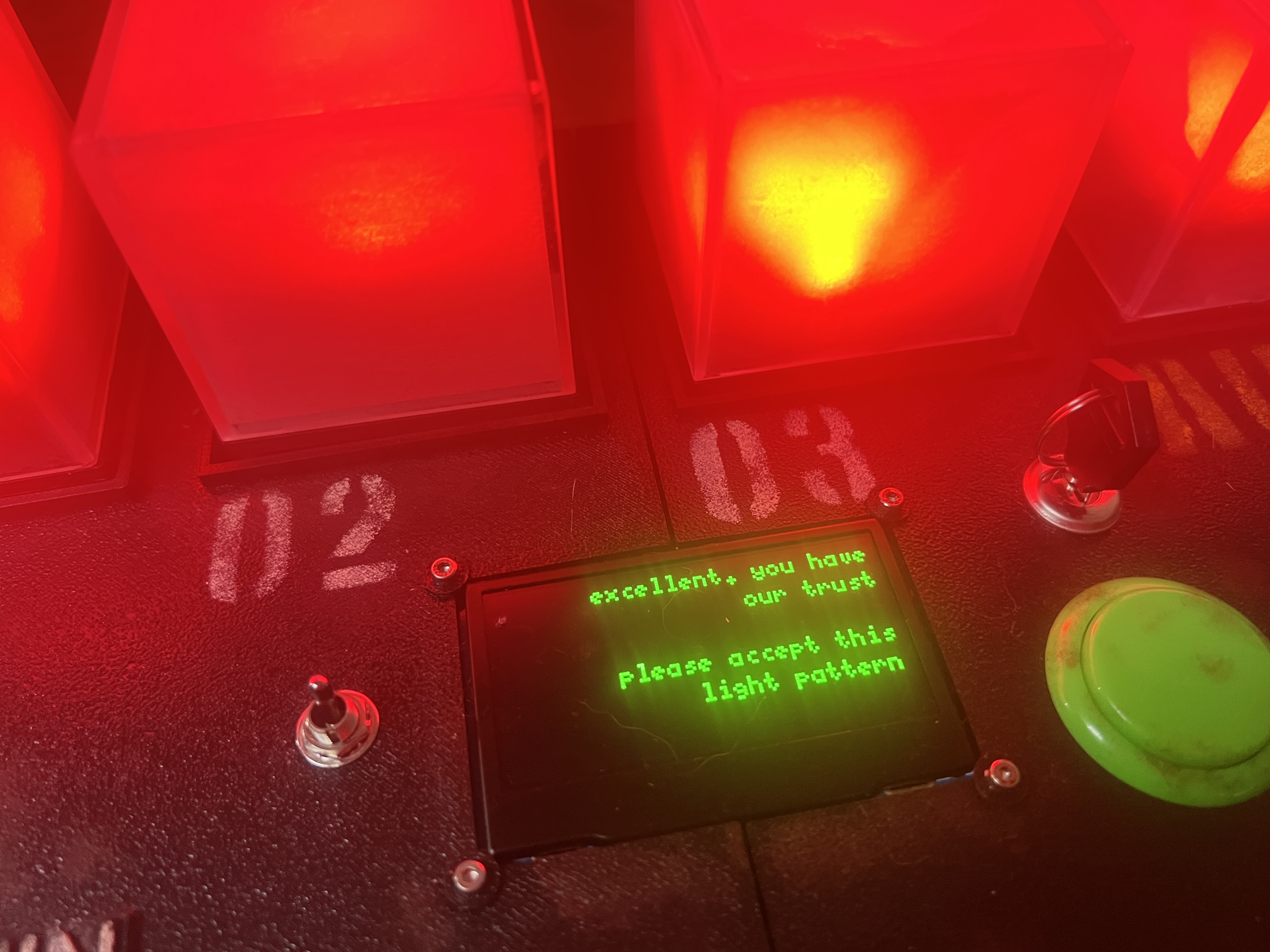
Step 13 - Wavelength Matching Intro
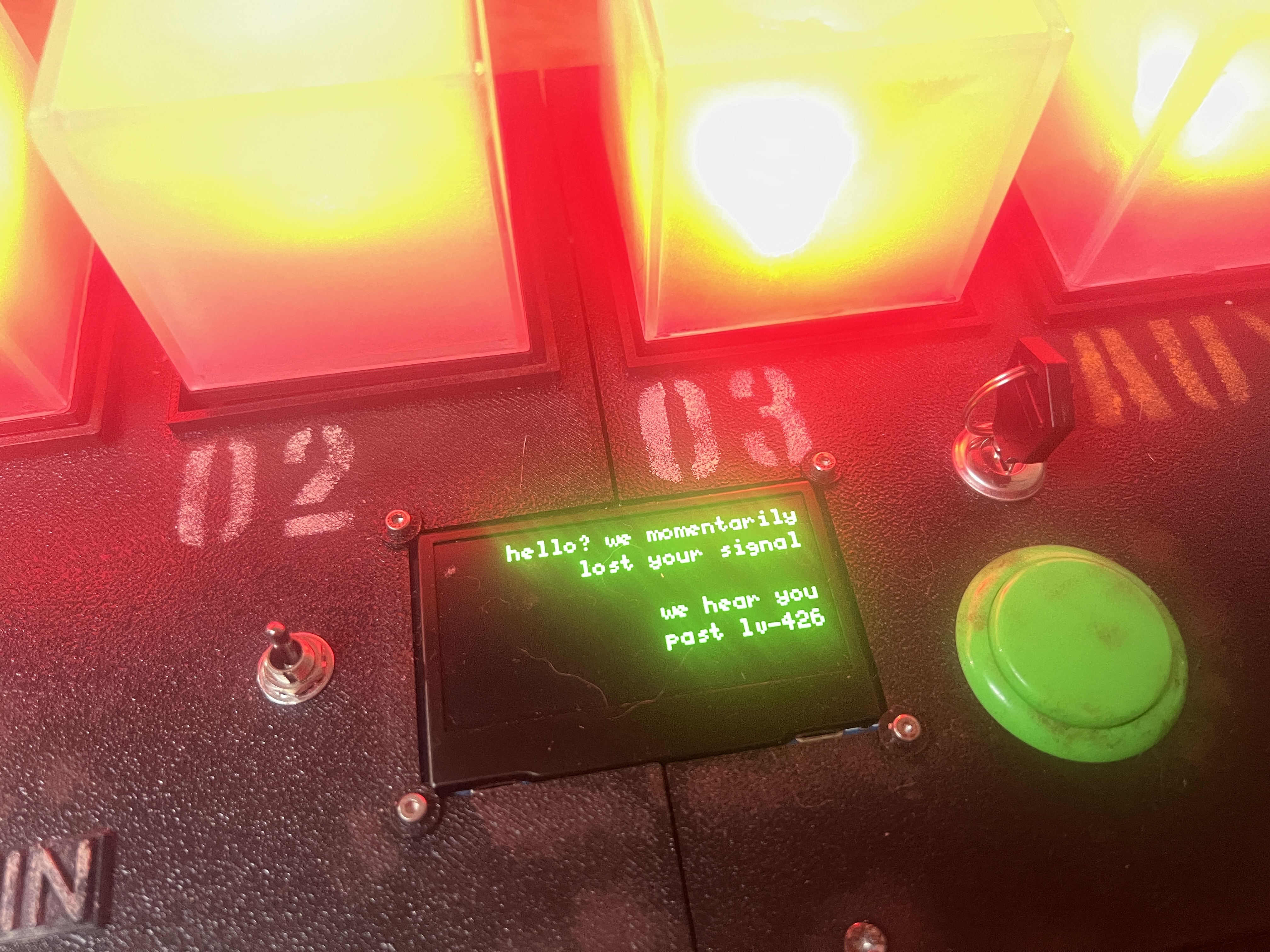
The console suddenly loses power and the player’s connection to the aliens is disconnected.
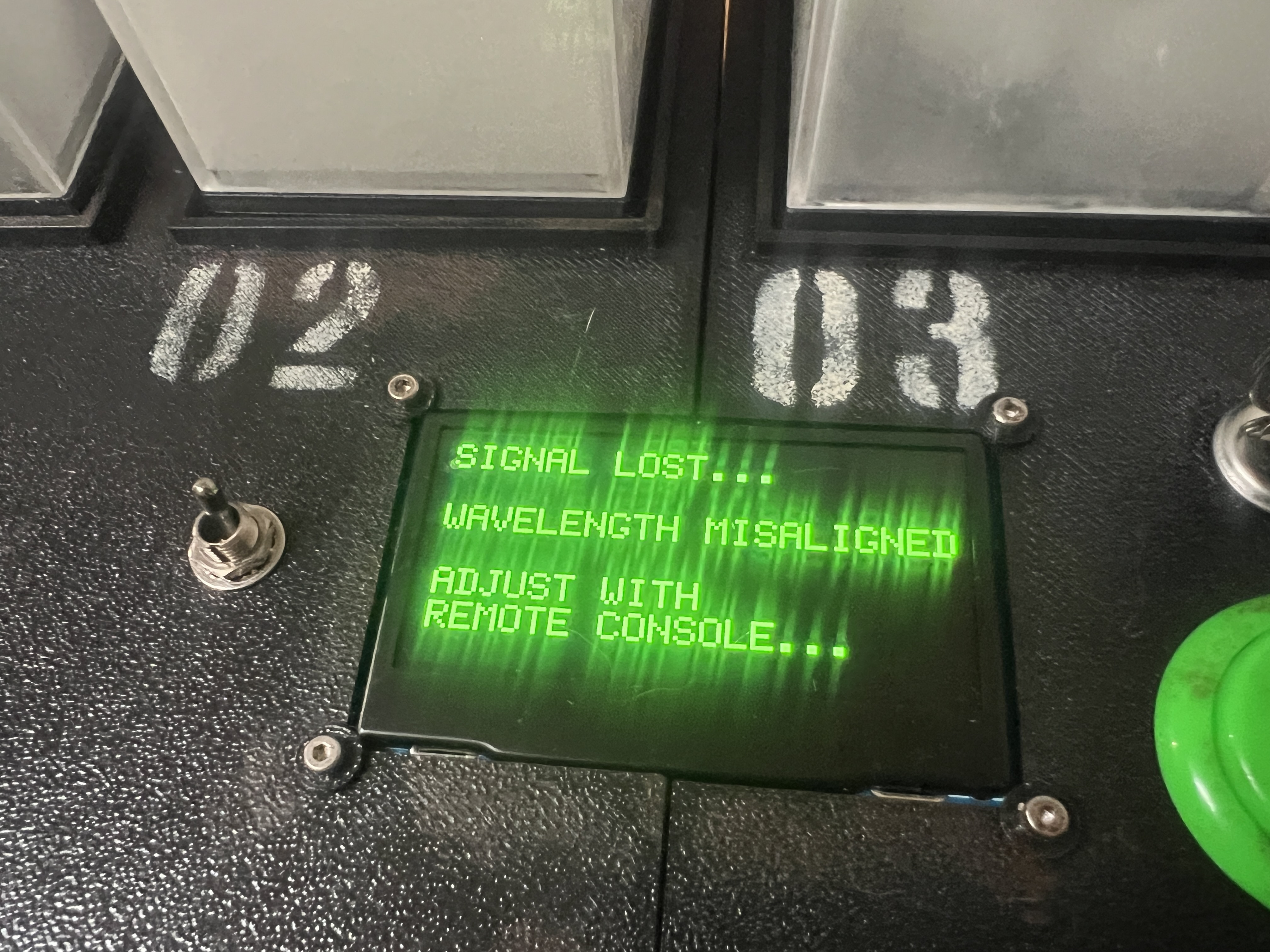
Step 14 - Wavelength Alignment
Cube 1 and AUX start fading in and out but at different speeds.
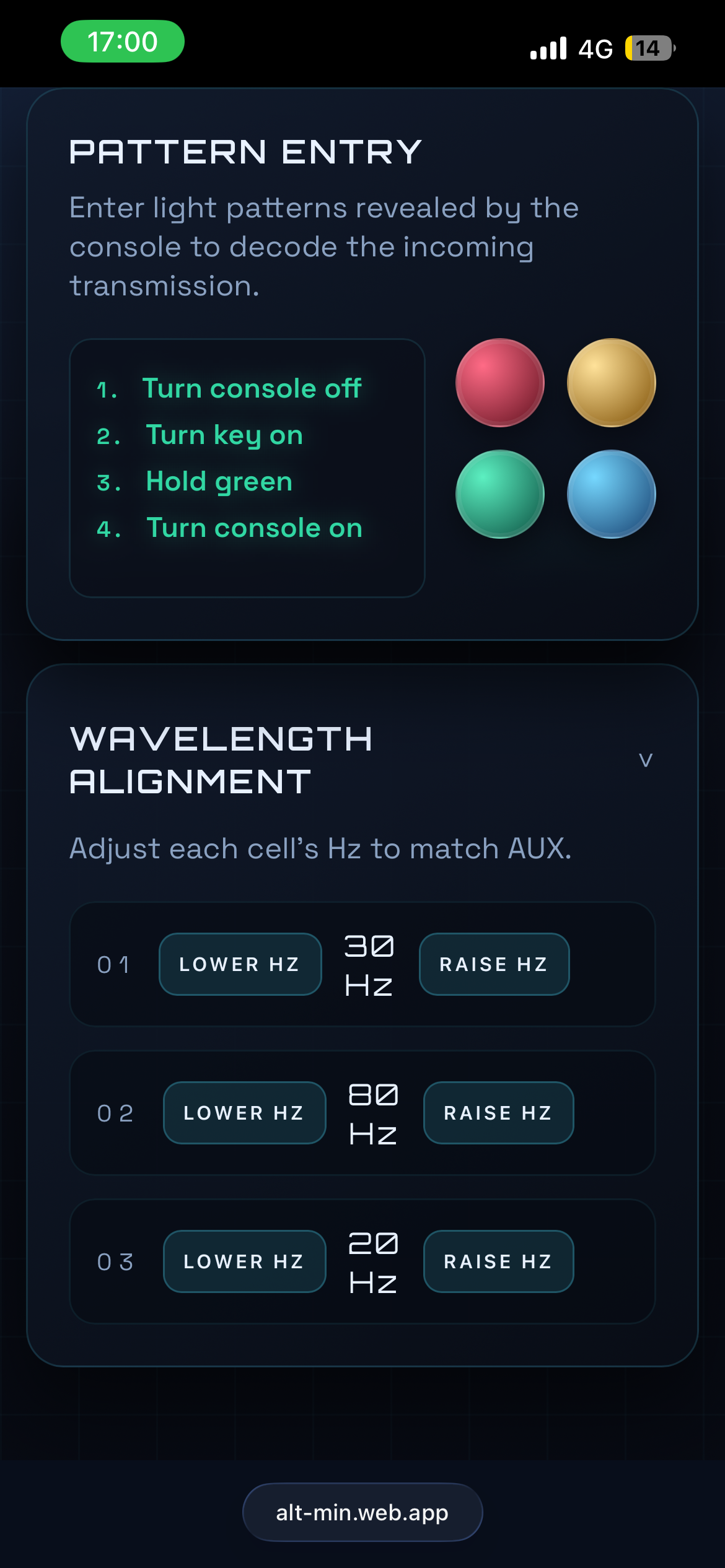
The player must adjust the “wavelength” (or fade speed) for each cube via the phone to match AUX’s appearance.
Step 15 - The Final Pattern Arrives
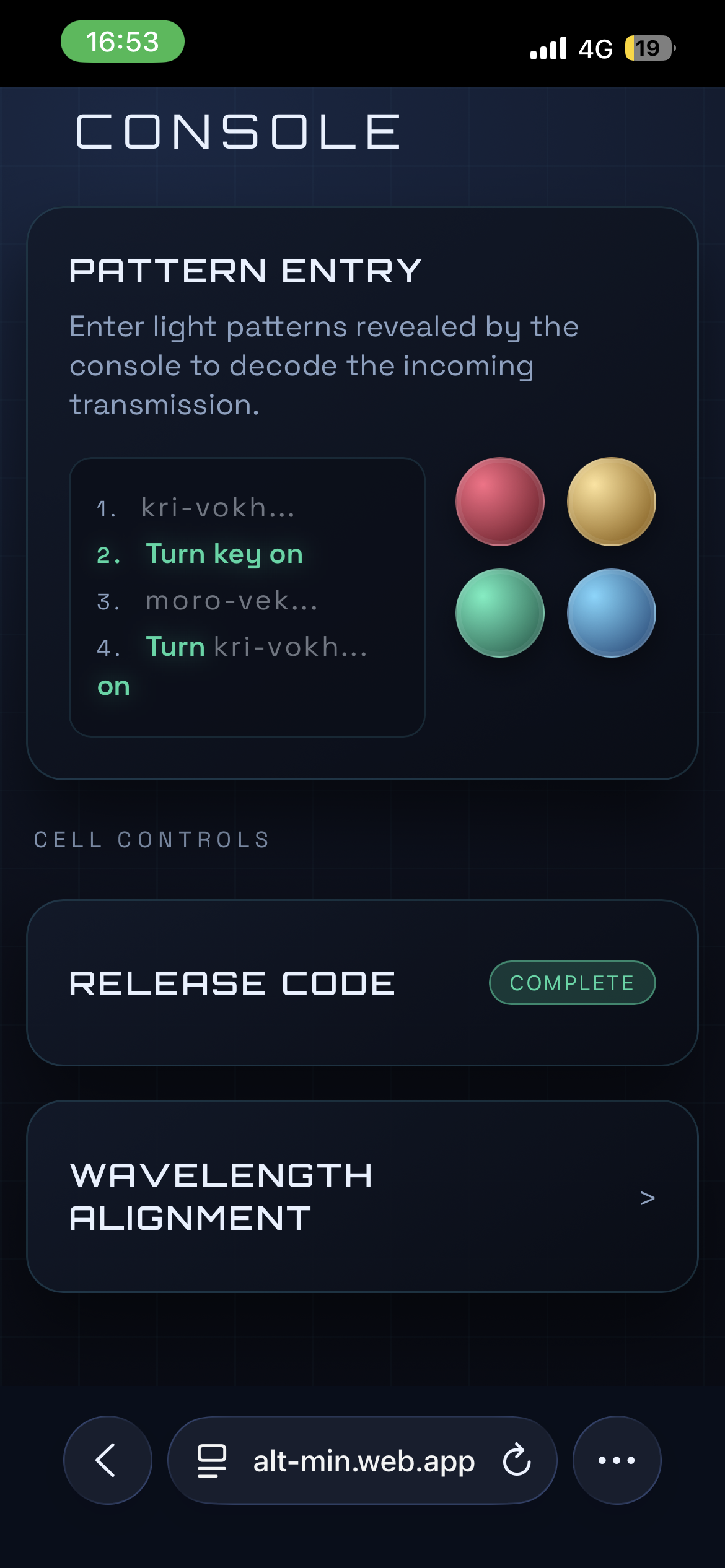
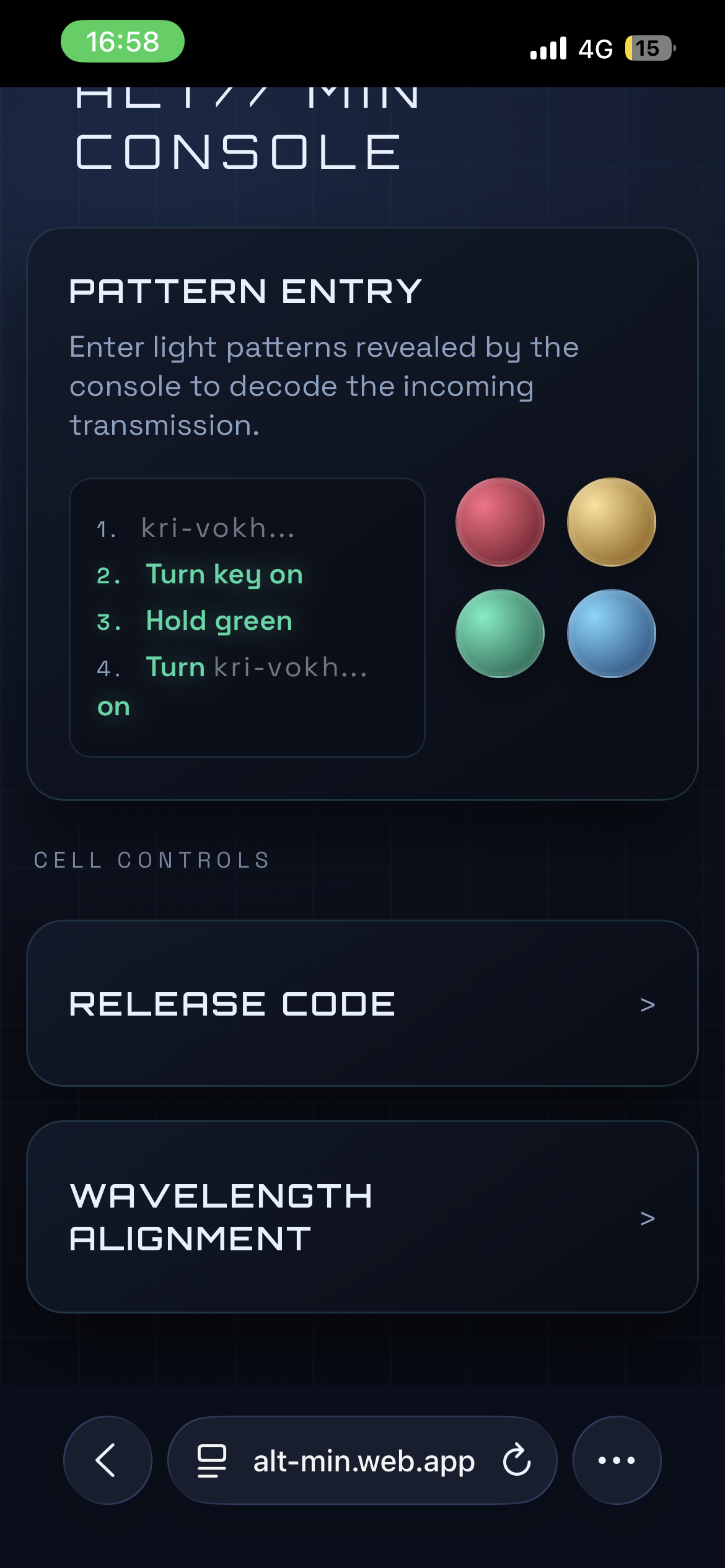
The player enters the fourth and final pattern into their phone and the entirety of the encrypted message is revealed:
1. Turn console off
2. Turn key on
3. Hold green
4. Turn console on
Step 16 - Awaiting Final Sequence
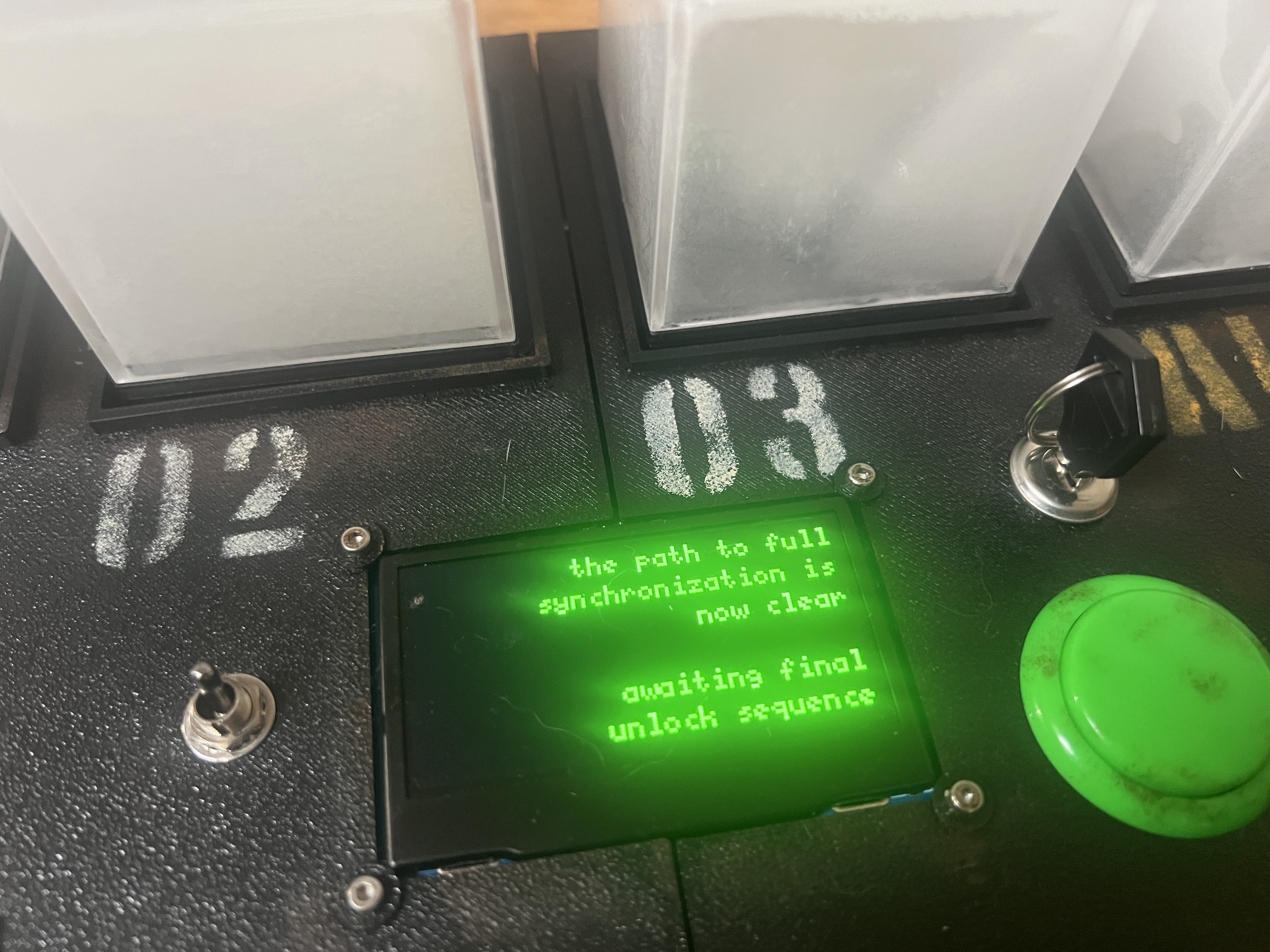
The final pattern is revealed, a message appears and the puzzle waits for the player to perform the final 4 steps revealed on their phone.
Step 17 - Delivering the Prize and Credit Sequence
A fun light show begins and the front of the puzzle reveals a door with the player’s prize inside.